
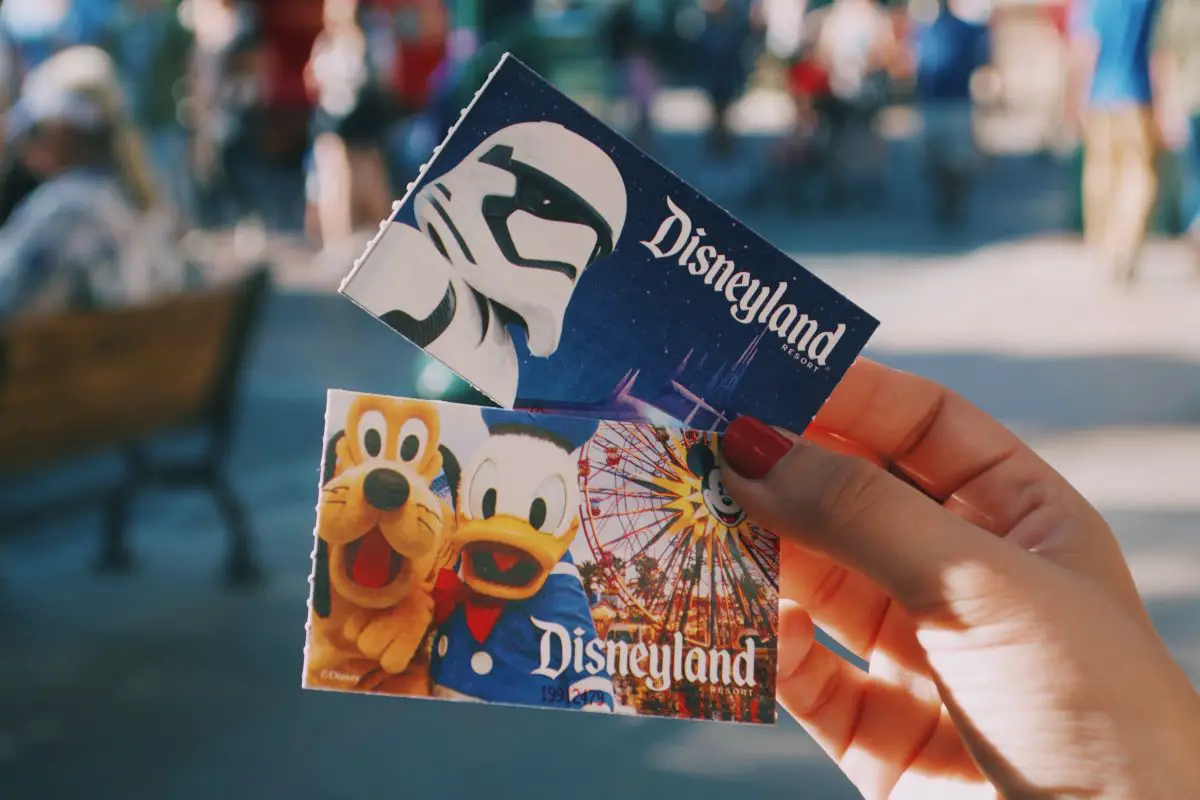
Yes, many Disneyland tickets can be upgraded, but the process depends on what you’re trying to add. A Park Hopper upgrade, Lightning Lane Multi Pass and an upgrade to a Magic Key don’t all follow exactly the same rules, and some promotional or special-event tickets aren’t eligible at all.
The first thing I do is open the Disneyland app, go to My Tickets & Passes and look at the options attached to the actual ticket. If Disney offers an upgrade for that ticket, that’s usually the cleanest place to start.
What Are You Trying to Upgrade?
There are a few different things people mean when they say they want to upgrade a Disneyland ticket.
| Upgrade | What I would do |
|---|---|
| Add Park Hopper | Check the ticket’s modification options; eligibility depends on the ticket |
| Add Lightning Lane Multi Pass | Disney may allow an eligible existing ticket to be upgraded before the visit |
| Upgrade to Magic Key | Used eligible tickets can be upgraded in the Disneyland app while passes are available; unused tickets require a ticket booth |
| Change the visit date or starting park | Modify the park reservation separately, subject to availability |
Those distinctions matter because changing a park reservation is not the same thing as changing the admission attached to the ticket.
Start in My Tickets & Passes
If my ticket is already linked to my MyDisney account, I start in the Disneyland app.
- Open the Disneyland app.
- Tap the menu icon and open My Tickets & Passes.
- Select the ticket I want to change.
- Look for an upgrade or modification option.
- Review the new ticket type and additional price before completing the change.
If the option I’m looking for doesn’t appear, I don’t assume that means Disneyland never allows the upgrade. Some ticket types have different restrictions, and certain changes may need help from Disneyland Guest Relations or a ticket booth.
Adding Park Hopper to a Disneyland Ticket
A Park Hopper ticket lets me visit both Disneyland Park and Disney California Adventure on the same day rather than being limited to one park.
If I already have a 1 Park Per Day ticket, I first check whether Disney gives me a modification option for that ticket. Eligibility can depend on the specific ticket or promotion I purchased.
If I can’t make the change through my account, I’d use Disneyland Guest Relations rather than buying an entirely separate ticket without checking first.
Also, upgrading to Park Hopper doesn’t eliminate Disneyland’s reservation requirement. I still need valid admission and an appropriate theme park reservation for the date I’m visiting.
I keep the step-by-step details on my separate Disneyland Park Hopper upgrade guide.
You Can Also Add Lightning Lane Multi Pass to Some Existing Tickets
Lightning Lane Multi Pass is another upgrade Disney currently lets some ticket holders add before their visit.
Disney specifically says an existing ticket may be eligible to upgrade to include Lightning Lane Multi Pass. If that option isn’t available before I arrive, I can also buy Multi Pass through the Disneyland app after entering a theme park on the day of my visit, subject to availability.
Multi Pass currently starts at $34 per ticket per day, with actual prices varying by date.
I wouldn’t confuse this with Park Hopper. Park Hopper changes how many parks my admission covers in one day. Lightning Lane Multi Pass is a separate paid feature for accessing eligible Lightning Lane queues.
Upgrading a Disneyland Ticket to a Magic Key Has Stricter Rules
This is the upgrade with the most important timing restrictions.
If Magic Keys are available for sale and my ticket is eligible, a used Disneyland ticket can currently be upgraded through the Disneyland app.
Disney currently gives these deadlines:
- 1-day ticket: upgrade by midnight on the day of the visit
- Multi-day ticket: upgrade by midnight on or before the final valid day of the ticket
If I haven’t used the ticket to enter either park yet, Disney says I need to visit a Disneyland Resort ticket booth to complete the Magic Key upgrade. A wholly unused ticket can’t currently be upgraded to a Magic Key through the app.
That’s a detail I would especially remember if I bought the ticket in advance and already know I want to turn it into an annual pass.
I have a separate guide specifically about upgrading a Disneyland ticket to a Magic Key annual pass, where I go deeper into that process.
Not Every Ticket Can Become a Magic Key
Disney currently excludes several types of admission from Magic Key upgrades.
Fully used tickets, partially used tickets that have already expired, complimentary tickets, special-event tickets and tickets specifically marked as ineligible can’t be upgraded to a Magic Key.
There is an exception for a wholly unused expired Disneyland ticket. Disney says the value of an eligible unused expired ticket can still be applied toward an upgrade, but that transaction has to happen at an onsite ticket booth.
Magic Key availability also matters. I can only upgrade into a pass type Disney is actually making available for ticket upgrades at that time.
How Much Credit Do You Get Toward a Magic Key?
Disney applies the eligible amount paid for one ticket toward one Magic Key pass.
I can’t combine the value of several tickets to reduce the cost of one Magic Key, and the Magic Key I choose has to meet Disney’s applicable value requirements.
The difference in price is due when I complete the upgrade.
If I’ve already started using a multi-day ticket, there’s another important catch: the new Magic Key is backdated to the first day I used that ticket.
So if I use a 3-day ticket on Monday and don’t upgrade until Wednesday, I don’t get a brand-new 12-month period beginning Wednesday. The Magic Key term begins from the original first-use date.
Your Existing Park Reservations Don’t Transfer to Magic Key
This is probably the rule I’d check most carefully before upgrading in the middle of a trip.
Disney says park reservations associated with the regular theme park ticket do not transfer when that ticket becomes a Magic Key.
I need to make new reservations using the Magic Key reservation inventory.
That’s potentially a big deal because Disneyland allocates reservation availability separately to Magic Key holders and regular ticket guests. A regular ticket reservation being available doesn’t guarantee that a Magic Key reservation is available for the same date.
If I’m upgrading during a multi-day trip, I would check the Magic Key reservation situation before completing the transaction.
Changing Your Reservation Is a Different Process
Sometimes I don’t actually need a ticket upgrade at all.
If I simply want to change the date of my visit or which park I start at, Disneyland currently lets me modify the theme park reservation separately.
I go to My Theme Park Reservations, select Modify Reservation, choose the guests being changed and then select an available date and park.
Reservation changes are subject to availability, and the ticket still needs to be valid for the date I select.
For changes that aren’t really upgrades, my Disneyland ticket change policy guide is the more useful page.
Before I Pay for Any Upgrade
I check what I already bought before changing it.
If I only want to visit the second park once, Park Hopper may make sense. If I’m adding Lightning Lane because I want shorter waits, that’s a completely different purchase. And if several more Disneyland trips are already planned, that’s when I would start comparing the ticket value with a Magic Key.
I also wouldn’t complete a Magic Key upgrade until I’ve checked its blockout calendar and reservation availability. A Magic Key requires both a valid pass and a Magic Key park reservation, and Disney does not guarantee entry simply because a date isn’t blocked out.
For the current Magic Key upgrade rules, I use Disneyland’s official ticket-upgrade page because eligibility and pass availability can change.


